LocalType
A keyboard that keeps your words on your phone.
LocalType is a small, plain Android keyboard. Nothing you type is sent anywhere, there is no account, and typing uses no Google service or model. It fixes typos in a way you can undo, suggests your next word, takes dictation, and keeps IPA symbols, accents, emoji and your saved text a tap away.
Android 8 or later · version 0.5.33 (build 54) · 39 MB
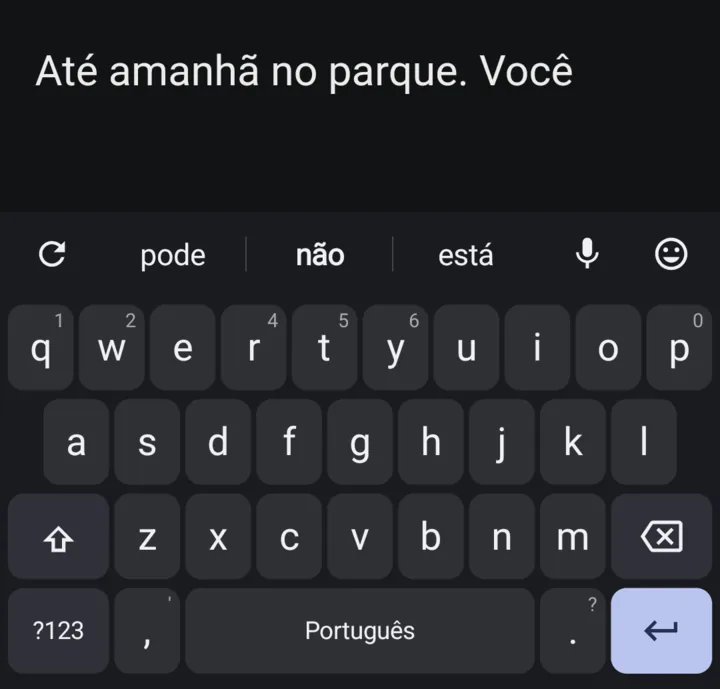
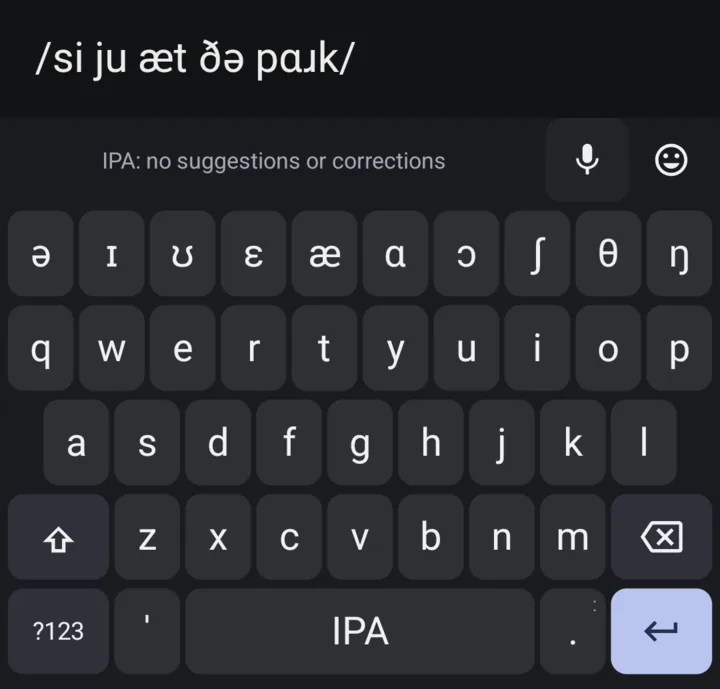
Early access, free, no ads. English, plus Spanish and Portuguese as early experiments, and an IPA keyboard.
Updates with Obtainium
Already use Obtainium? Add LocalType to Obtainium to get each new release. If you don’t have it yet, get Obtainium first.
Keep LocalType installed when updating, so your saved text, learned words and settings stay. LocalType settings also shows a banner at the top when a newer version is out.
Updates with F-Droid
Use an F-Droid client? Add my app repository to get the same signed APK and its updates. Keep LocalType installed to retain your saved text, learned words and settings.
It’s my own repository, separate from the main F-Droid catalog; its page has the signing fingerprint and setup steps.
New in 0.5.33: Missed spaces: when a letter beside the space bar lands where the space belongs, as in “ofbthe”, the strip now offers “of the” instead of a one-word guess like “other”. The bottom row now reads ?123, comma, 🌐, space, as on Gboard, so reaching for the comma no longer switches keyboards.
Install
- Open the downloaded APK. Allow your browser to install apps if Android asks.
- Open LocalType and follow the walkthrough to enable and select the keyboard.
- Try typing. Hold space to switch keyboards; Take the tour under About shows what the keys don’t.
Your words stay on your phone
Suggestions, corrections and learning run on the phone. Nothing you type is uploaded, and there is no account. LocalType goes online only to download the optional proofreading model, and to check for a newer version: when you tap Check for updates, and on its own when you open its settings, at most every six hours (you can turn that off); the Google library behind optional proofreading can also send usage statistics (details).
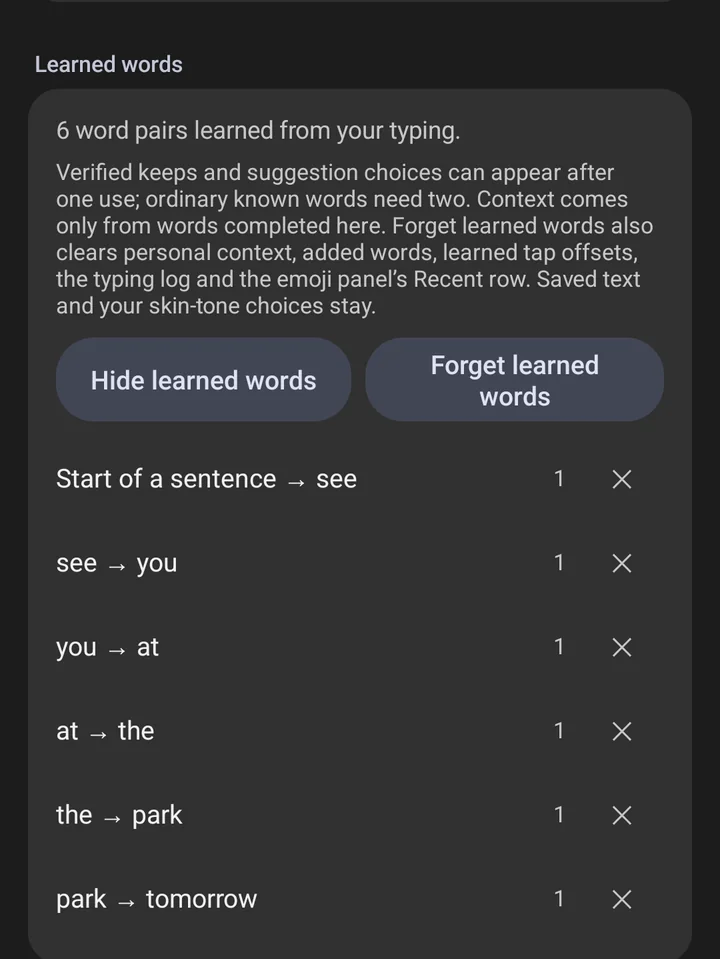
- It learns from words you finish and choices you confirm. Password fields get no suggestions, and incognito fields save nothing you type.
- Dictated and swiped words are never learned or logged.
- Read or remove what it learned in settings; Forget learned words clears everything it learned.
- The typing log is off unless you turn it on, and it stays on the phone unless you export it.
- Typing still works with the app’s network access turned off, on phones that let you do that.
- Gemma is shared with LocalLauncher, a home screen app on this site, only if you turn that on in the app that has it (details). What passes between the two apps stays on the phone and isn’t kept.
A plain keyboard, with the tools within reach
- Typo fixes you can undo. Clear slips are fixed when you press space. Press delete right away, or tap Undo, to keep what you typed.
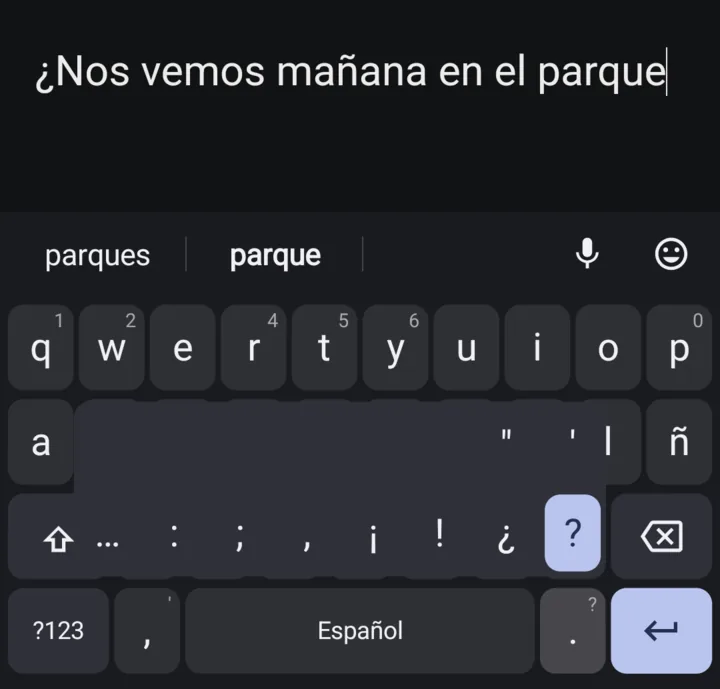
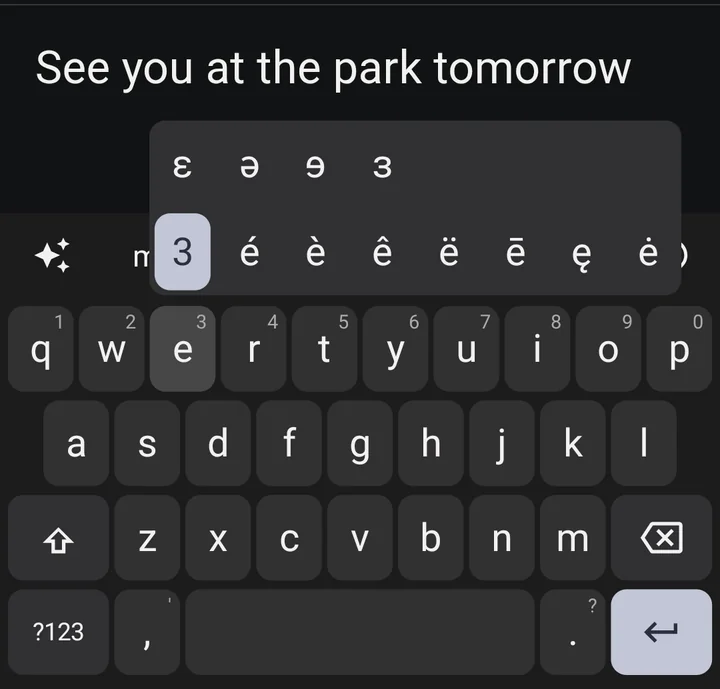
- IPA symbols and accented letters. Hold a letter and slide to the one you want.
- Slides. Slide along the space bar to move the cursor. Slide left from delete to remove whole words; the strip shows what will go, and sliding back cancels.
- Voice input. Tap the microphone key beside the emoji button and speak; tap it again, or any key, to stop. It uses Android’s on-device speech recognizer, on phones that have one.
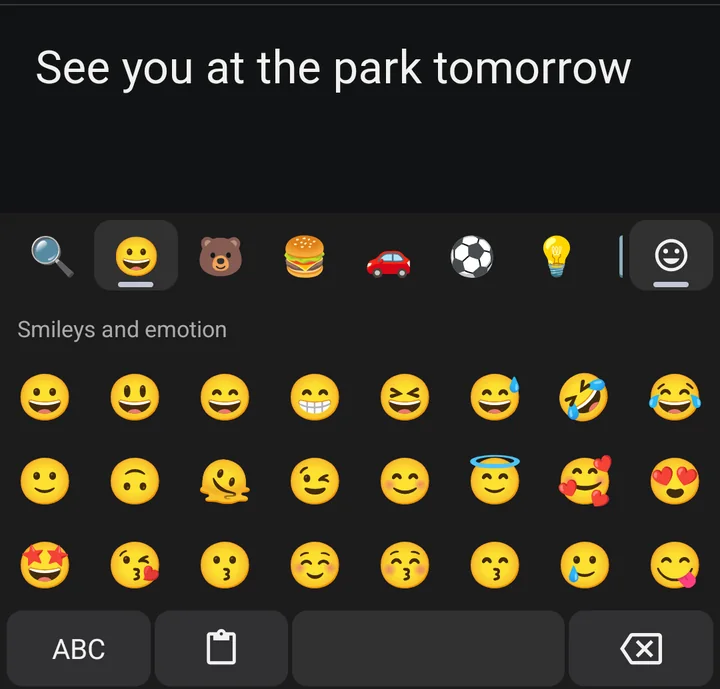
- Emoji, clipboard and Saved text. A full emoji grid with search, a paste button for what you just copied, and Saved text for the things you type again and again.
- Cleaner links. A link pasted with the paste button or from Saved text loses known tracking tags such as
utm_sourceandfbclid. Press delete right away, or tap Undo, to put it back as it was copied. - Your password manager, above the keys. On Android 11 and later its suggestions appear in the strip. Android draws them and fills the field when you tap one; the keyboard cannot read them.
- TalkBack. Every key can be explored and typed with a screen reader.
- Leaves names alone. Web and email addresses, @handles, #hashtags and words like iPhone or snake_case keep their spelling.
- The usual comforts. Light and dark themes, a number row if you want one, and pads for numbers, phone numbers, email and web addresses.
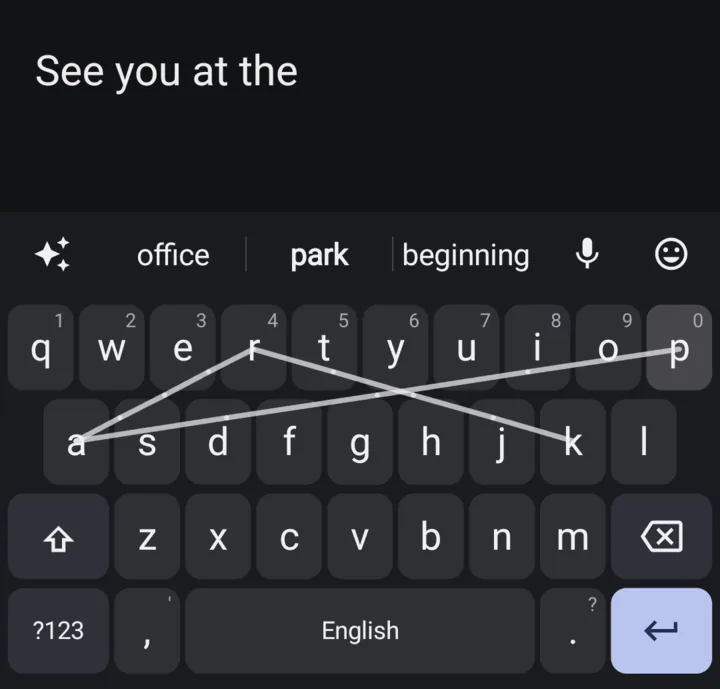
Swipe typing and two-finger swipes are experimental and off by default; turn them on under Keys and gestures in Settings. Spanish and Portuguese are early experiments, off by default: turn them on under Languages in Settings. Their word lists haven’t been checked by a native speaker, so some suggestions and corrections will be off, and the settings screens in those languages are machine-translated. GIFs, stickers and other languages aren’t supported yet.
How well it fixes typos
In a scripted test of 100 invented sentences on two Pixels, LocalType fixed more planted typos than Gboard at ordinary tap accuracy: 134 and 127 of 200, against 103 and 106. Next-word suggestions and speed came out level. Scripted taps aren’t real fingers; the benchmark page has the method and the limits.
Where the suggestions come from
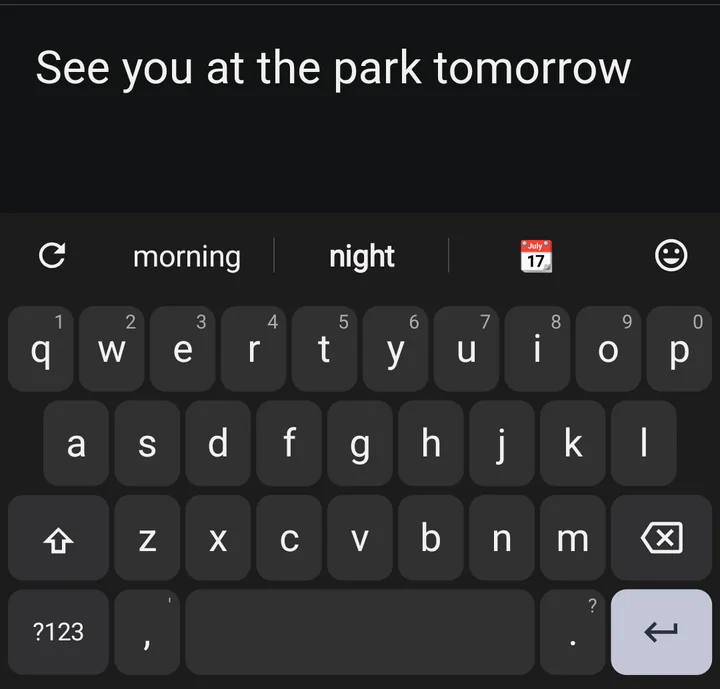
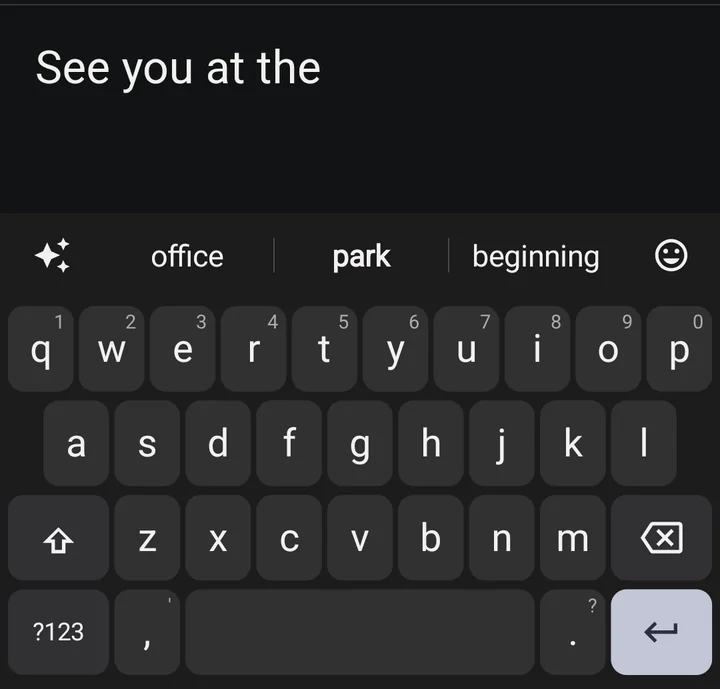
The three suggestions above the keys come from Chime, a 2 MB model I trained myself on public text with checked licences. It is built into the app, needs no download and runs on the phone. It is not Gemma or Gemini. You can try it in a browser on the Chime page, where the weights, the training code and the method are linked.
If you also want sentence proofreading, LocalType can use Gemini Nano on phones that offer it, or a 2.4 GB Gemma download. Both run on the phone and both stay off until you ask. The keyboard is complete without them.
More about Chime · How it compares with Gboard · More details
Release files
APK checksums. Android package dev.localtype.keyboard, signed from 0.4.3 with certificate SHA-256 87:32:E1:75:65:9C:05:91:6D:D8:1F:CA:5D:D6:27:2F:F2:20:4C:CF:07:52:16:FB:F1:6A:89:AE:F6:66:3E:F5. Licences and sources are on the details page. By Luke Steuber.