
Idea Tiles
Place ideas on a canvas and draw connections between them. Useful for brainstorming, planning, and teaching.

App Store 1.3.3 for iPhone, iPad and Mac, September 2, 2026. Android 1.3.3 (11008), November 14, 2026.
Google Play beta: Prefer Play Store updates to sideloading? Join the Coolhand beta group first (I’d really appreciate it). I’ll add this app’s opt-in link here when its Play beta is ready.
Installing on Android: Tap Download for Android, open the downloaded file, and allow installs from this source if Android asks. If Android blocks installation, tap Advanced, then Install anyway.

How it works
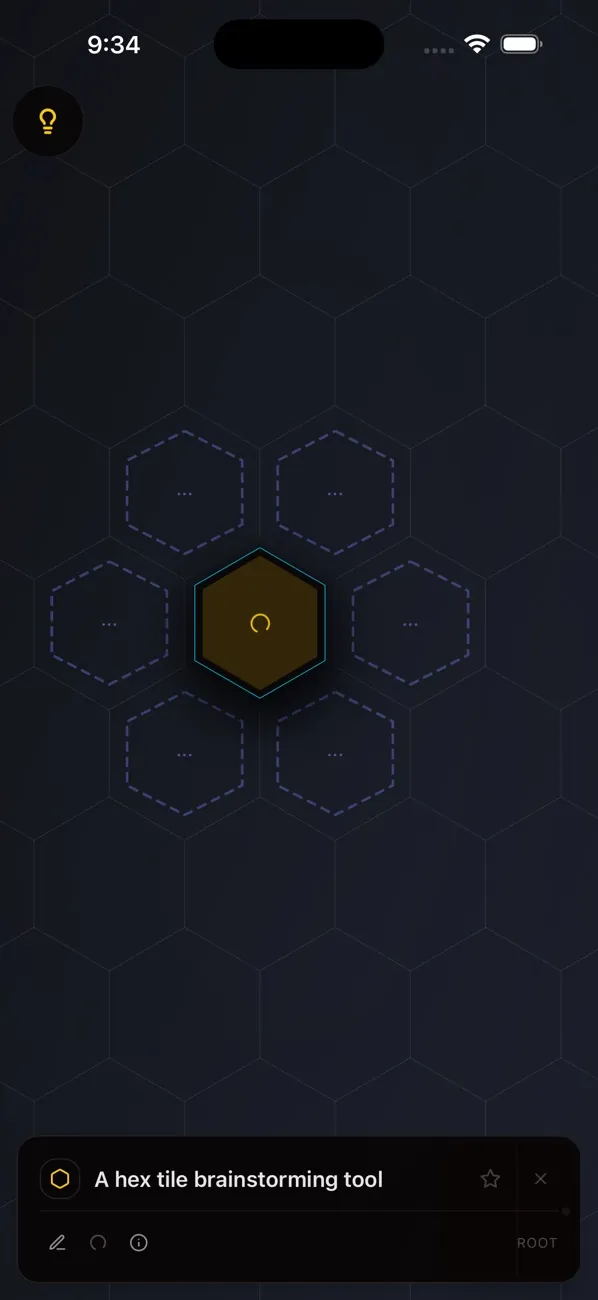
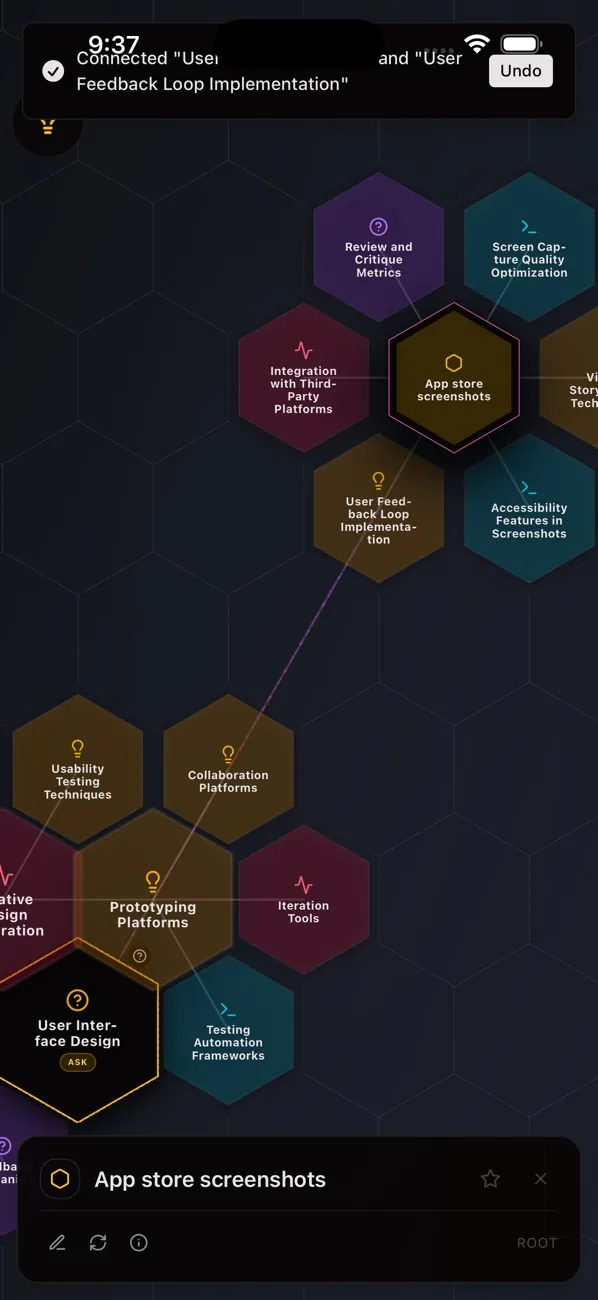
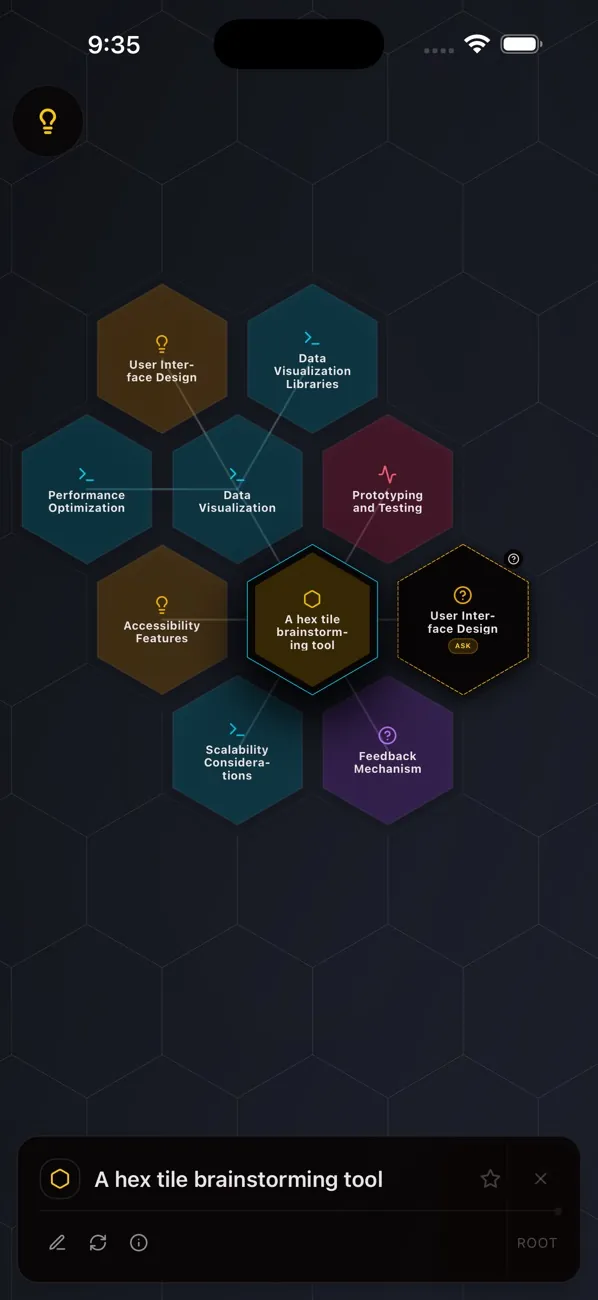
Put an idea on one hex tile and expand it: the six tiles around it fill with related ideas. Keep following the ones that go somewhere.
- Merge. Combine two tiles into one idea that covers what they share.
- Star and filter. Star the themes that matter, then hide everything else.
- Undo and redo. So a bad branch costs nothing.
- Export. PNG, JPG or SVG to show people, or JSON to keep editing later.
- Saved locally. Boards are there when you come back.
On Mac there’s also Rind, an experimental mode that wraps the board around a sphere you can spin. On the web and Mac you can invite people onto a live board.
What it runs on
- iPhone and iPad: iOS 26 or later. Generating ideas also needs Apple Intelligence turned on, on a device that supports it; everything else works without it.
- Mac: macOS 26 or later.
- Android: 8.0 or later.
- Web: ideatiles.app.
Where your ideas go
The apps have no account, ads or analytics, and the App Store label says Data Not Collected. Boards are saved on your device. Where the ideas come from depends on where you run it:
- iPhone and iPad. Apple Intelligence, on the device. Prompts never leave it; if the model isn’t ready, the app says so instead of sending your text somewhere else.
- Android. Gemini Nano on the phone first. If no on-device model can run, the prompt and some board context go to my server, which passes them to a hosted language model. Settings tells you when that’s the case.
- Web. Always that hosted model.
- Mac. On the Mac by default. Pick another provider and your text goes straight to it, using your own key.
- Live boards on the web and Mac pass through my server while the session is open, and aren’t kept afterward.