Luke Steuber's Android apps
My own repository for F-Droid clients, separate from the official F-Droid catalog.
In your client, its established name is LocalType releases. It now carries the Android apps listed below. Source availability and licenses vary by app. Previews are labeled, and inclusion here does not mean official F-Droid catalog review.
- Install F-Droid or a compatible client.
- Open the add link on your phone, or scan this code from your client's repository settings. If your client does not open, enter the address below in Repositories → Add. Confirm the name and fingerprint before adding it.
- Refresh the repository and choose an app. If an installed app has the same package and signing key, choose Update when a newer build is offered to retain its data. Android cannot replace a newer installed build with an older one; store-installed copies may also use a different signing key.
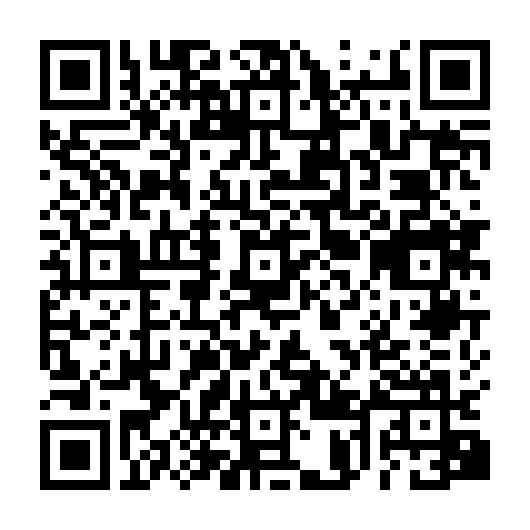
Repository address and signing fingerprint
Address: https://dr.eamer.dev/downloads/fdroid/repo
For manual entry with the key included: https://dr.eamer.dev/downloads/fdroid/repo?fingerprint=496249B0E93D1B4ED15E290320AAA319DA0E68E9FC5E542EE093FC2D06C284F0
SHA-256: 496249B0E93D1B4ED15E290320AAA319DA0E68E9FC5E542EE093FC2D06C284F0
The repository index has its own signing key. Each app keeps its existing app signing key. A newer build with the same package and app signer can update a compatible direct download in place. The index key does not establish app-update compatibility.
Apps in this repository
- Agent Command (preview)
- Alt Text Intelligence
- Ambient Time
- Color Vision Plates (preview)
- CUUUUBE
- Diachronica
- Geepers
- Hexsweeper
- Idea Tiles
- LocalLauncher
- LocalType
- Mandaza
- Minimal Accessible
- Minimal Primitives
- Naqbu
- Pulse Lab (preview)
- PulseTime (testing)
- Screenshat
- Signal Station (preview)
- Skymarshal
- Solar Orrery
- Strangely Attractive
- What Color Is This?
Adding this repository does not enable logging, change your keyboard or home screen, or require an account.