
Screenshat
Capture a web page in mobile, desktop, or social-card sizes, then export it with alt text.

iPhone and iPad 1.0.4, July 28, 2026. Android 1.1.0 (8), November 14, 2026.
Google Play beta: Prefer Play Store updates to sideloading? Join the Coolhand beta group first (I’d really appreciate it). I’ll add this app’s opt-in link here when its Play beta is ready.
Installing on Android: Tap Download for Android, open the downloaded file, and allow installs from this source if Android asks. If installation is blocked, tap Advanced, then Install anyway.
What it does
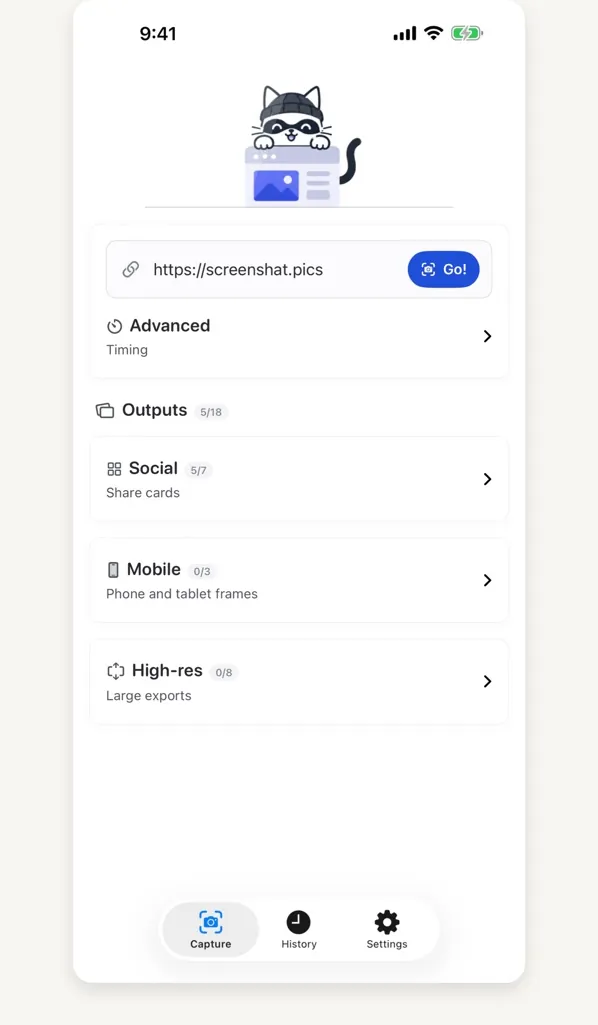
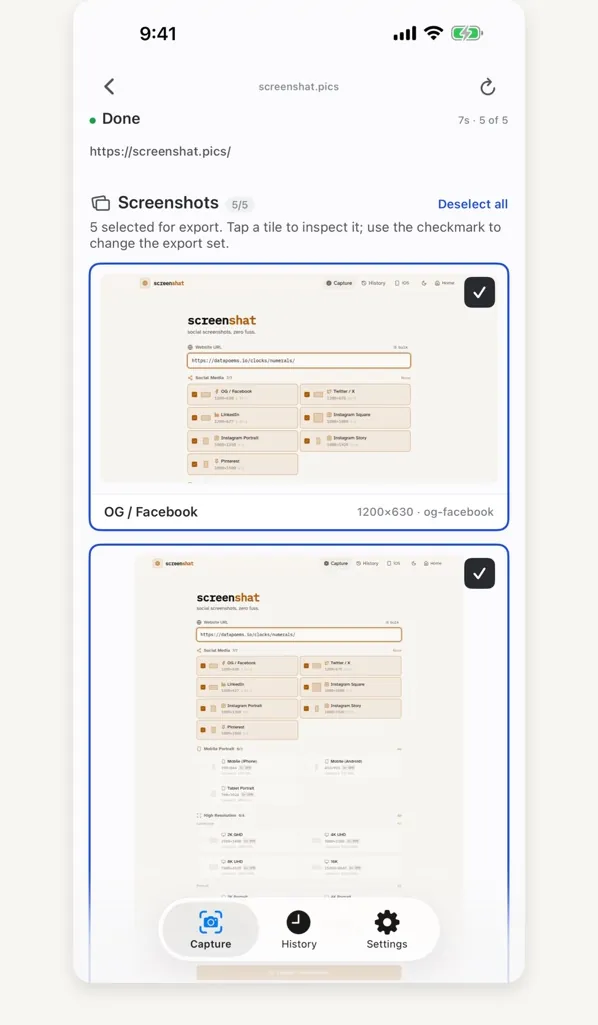
Paste a public page’s address and pick sizes. The screenshat server renders the whole page at each size and hands them all back.
- 18 sizes in one job. Seven social cards, iPhone, Android and tablet viewports, and 2K to 16K in landscape and portrait.
- Time for slow pages. Wait for the page to load or the network to go quiet, or add a delay.
- Alt text that stays put. On the web, write a description for each shot. Downloads carry it in the PNG’s metadata, and ZIPs add an
alt-text.txtfor sites that strip metadata. - Export. Save or share any finished shots as PNGs, or the whole job as a ZIP.
- What differs. The web app also takes a list of URLs, can wait for a CSS selector, and has an optional Analyze button: a vision model suggests crops and focal points. Alt text and Analyze are web-only for now. iPhone and iPad take links from Safari and can retry just the failed sizes. Android takes links from any app and holds captures until you’re back online.
What you need
- iPhone or iPad with iOS or iPadOS 17 or later, or Android 8.0 or later.
- No account. Public pages only: anything behind a sign-in won’t render.
Where your links go
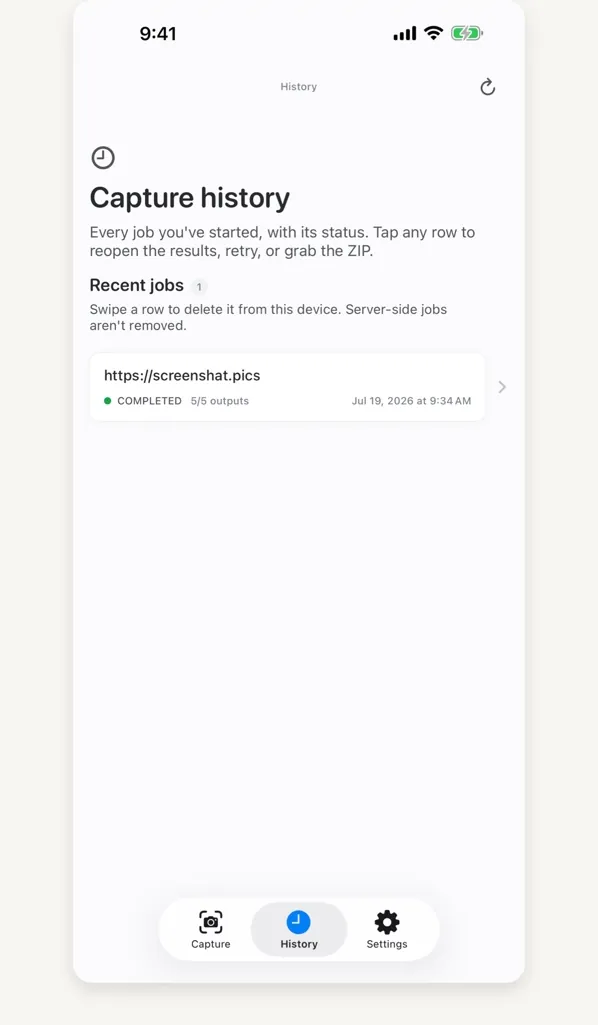
Captures run on the screenshat server, not your phone. It keeps the URL, the job and its PNGs until the job is deleted or about 30 days pass, and uses your IP address for rate limiting. Removing a capture from History on iPhone only clears the phone’s copy.
Analyze sends that one screenshot to whichever of OpenAI, Anthropic or Google is set up, and only when you press it. The Android app checks my download feed for updates. The App Store privacy label is Data Not Collected, and screenshat.pics counts page visits with GoatCounter on my server. More in the privacy policy.