
Mandaza
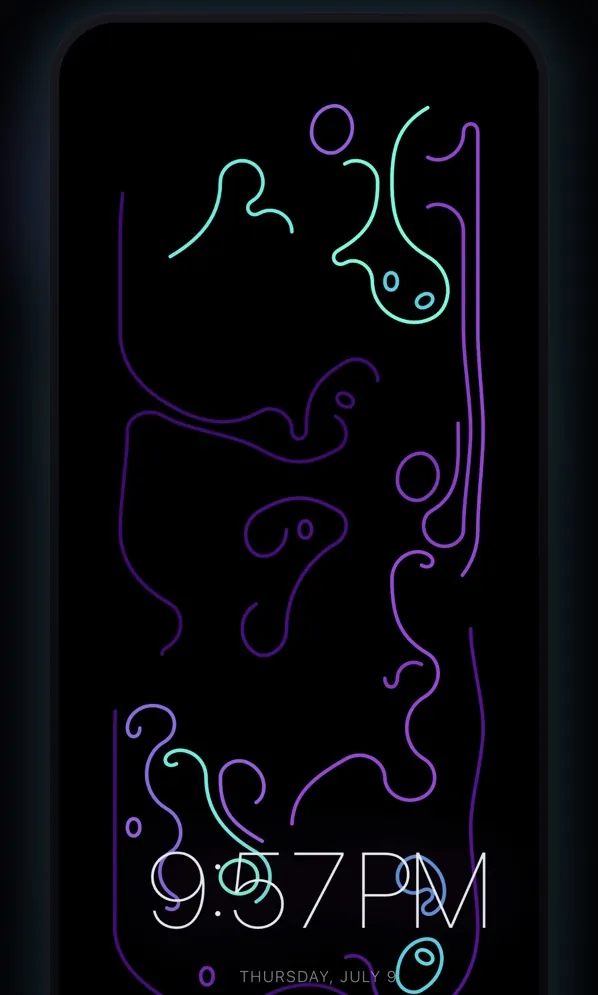
Generate kaleidoscopic mandala patterns and watch them animate. Calming symmetry you can remix.
iPhone, iPad and Apple Watch 1.4, July 23, 2026. Apple TV 1.3, July 23, 2026. Android 1.3.11, November 20, 2026.
Google Play beta: Prefer Play Store updates to sideloading? Join the Coolhand beta group first (I’d really appreciate it). I’ll add this app’s opt-in link here when its Play beta is ready.
Installing on Android: Tap Download for Android, open the downloaded file, and allow installs from this source if Android asks. If installation is blocked, tap Advanced, then Install anyway.
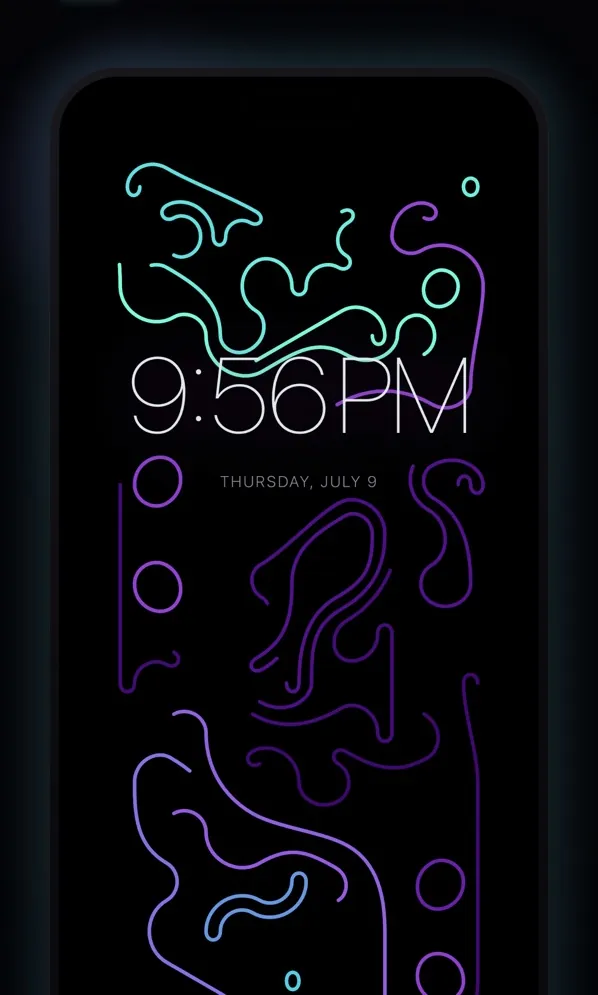
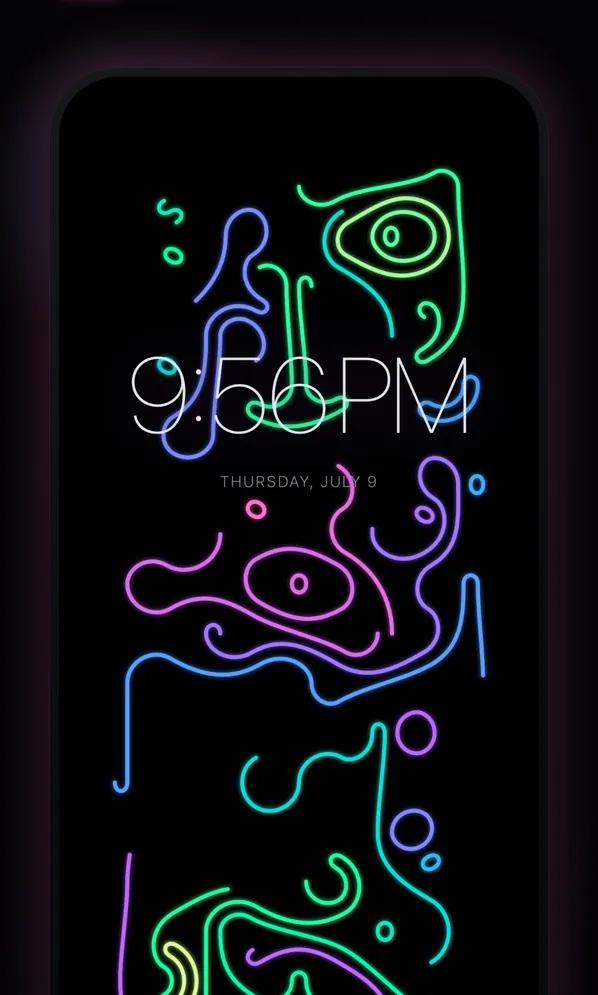
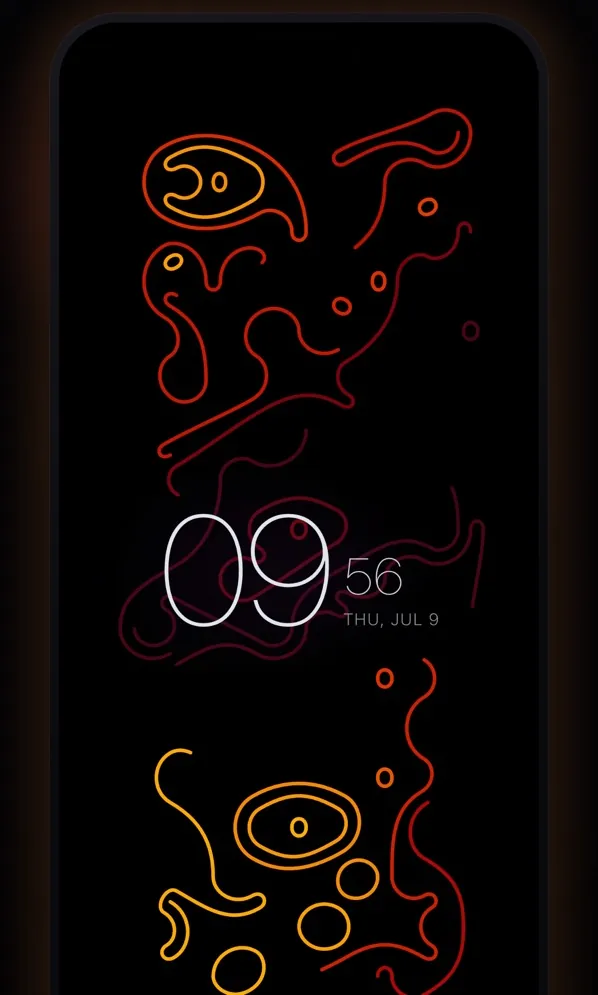
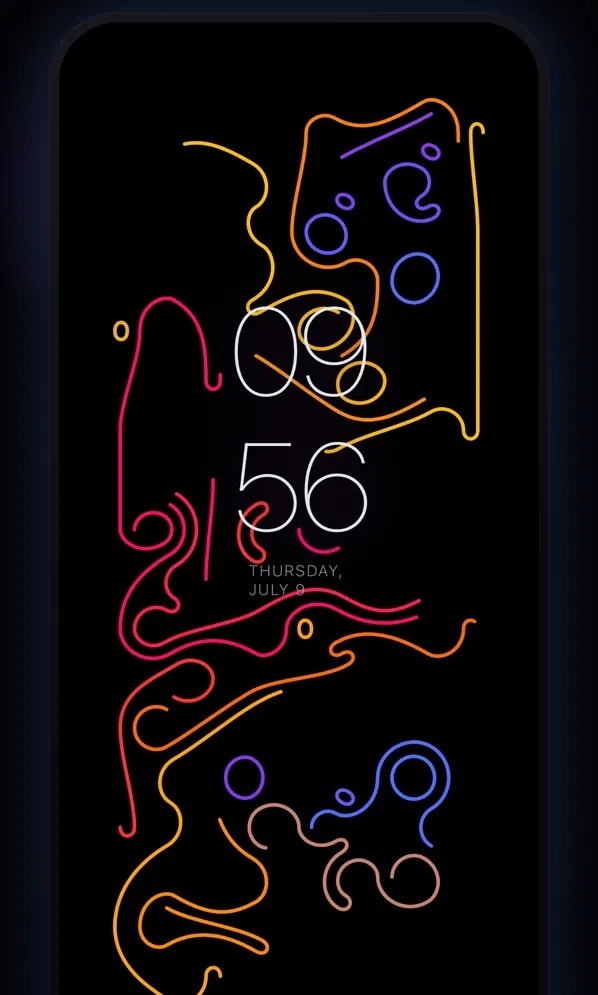
What it does
Tap the screen and Mandaza draws a new pattern of hexagonal loops, one stroke at a time. Then you fiddle with it:
- Color. Twelve palettes, on glowing Void or an ink-on-paper canvas.
- Zen mode. A clock over the art, in digital, stacked or editorial form.
- Music. Turn on Music responsivity in Zen and the pattern pulses with whatever’s playing in the room.
- Tilt. The layers shift as you tilt the phone.
- Favorites. Keep the good ones and save them as images.
On iPhone and iPad, Home Screen and StandBy widgets rotate through your favorites. Apple Watch gets a live face: tap for a new pattern, turn the Digital Crown for palettes. Apple TV and Fire TV get MandazaTV, a separate app for the remote. Android covers phones and tablets, without widgets. mandaza.app is the bare version: click for a new pattern, or wait and it makes one.
What it runs on
- iPhone and iPad: iOS 17 or later. Apple Watch: watchOS 10 or later.
- Mac: macOS 14 or later, with an M1 chip or newer.
- Apple TV: tvOS 17 or later, for MandazaTV.
- Fire TV: MandazaTV from the Amazon Appstore.
- Android: 7.0 or later, on phones and tablets.
What stays on the device
No account, no analytics, and both App Store listings say Data Not Collected. Patterns, favorites and settings stay on the device.
The microphone stays off until you turn on Music responsivity. Then sound is boiled down to a level and a beat in memory, never recorded, stored or sent. Photos access comes up only when you save an image.
The Android download goes online for one thing: once a day, it checks my download list for a newer version. The build in my F-Droid repository has no internet permission at all.