Colorblindness Tools
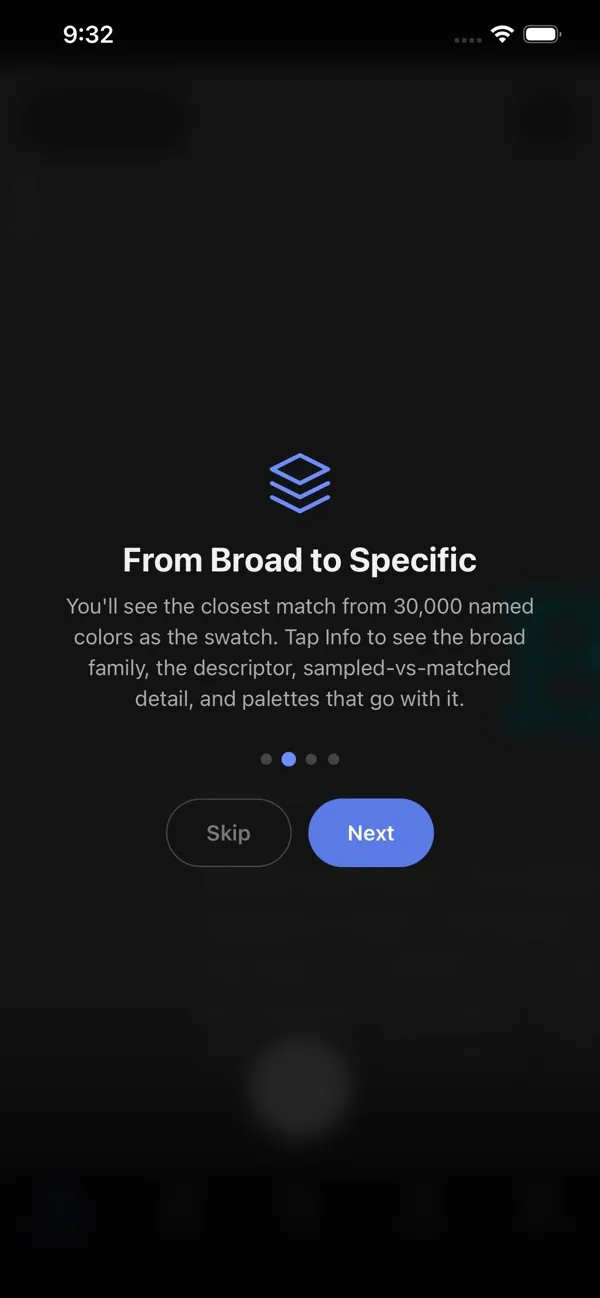
Two tools that belong together. What Color Is This? names the color in front of you. Color Vision Plates screens how you see color. Both run on the web, iPhone, iPad, and Android, and neither needs an account.
What Color Is This?
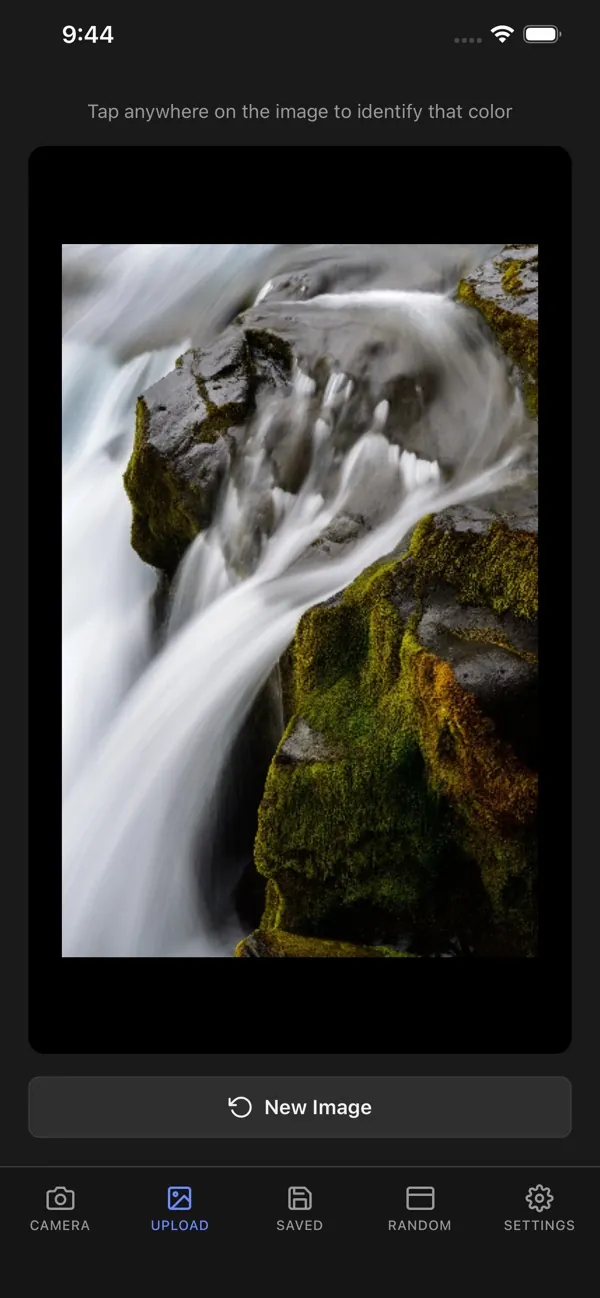
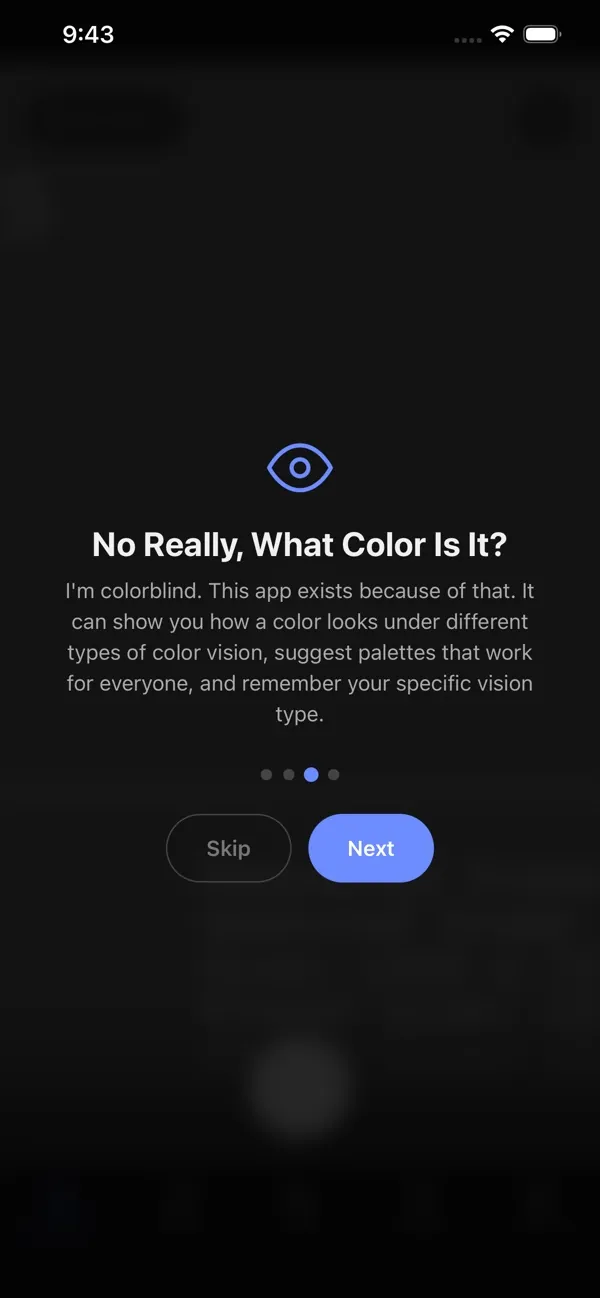
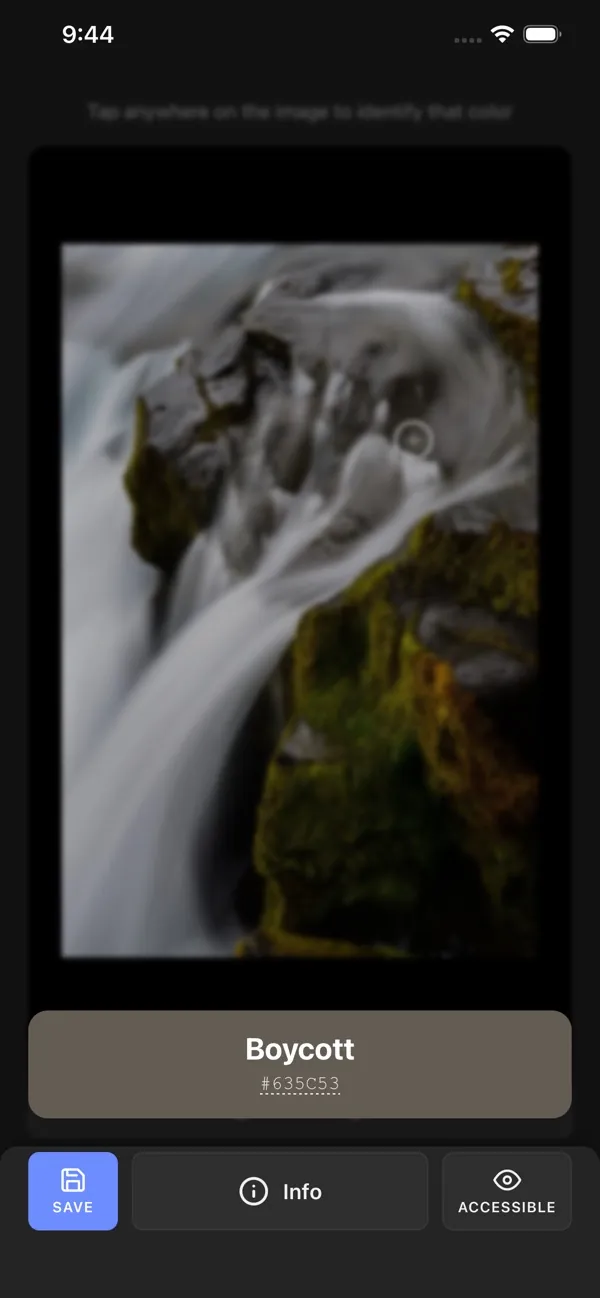
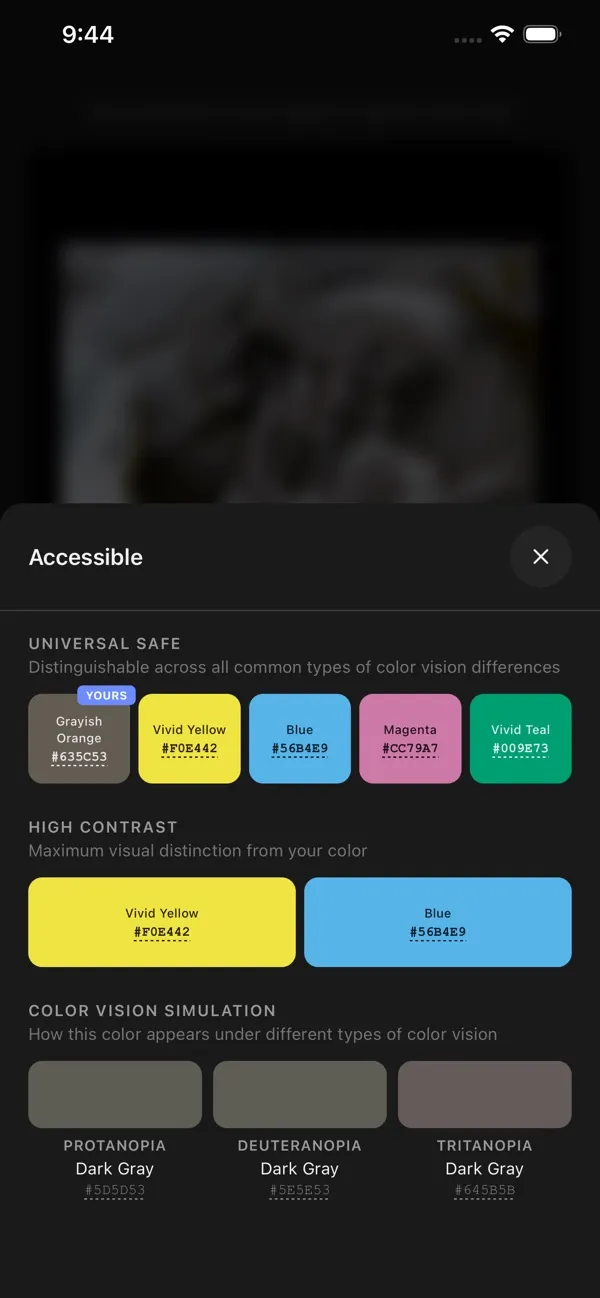
Point your camera at something, or choose a photo, and get a plain-language color name, the closest named matches, and palettes that hold up under your kind of color vision. Save colors with your own labels.
iPhone and iPad 1.1.4, November 11, 2026. Android 1.0.5, November 4, 2026, here and on Google Play.
On the web: whatcoloristhis.one and whatcoloristhat.one are the same app; pick whichever you would say out loud. The Android build is 1.0.5 (build 6, 2.4 MB), requires Android 7.0 or newer, and installs directly.
Color Vision Plates
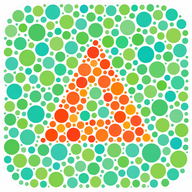
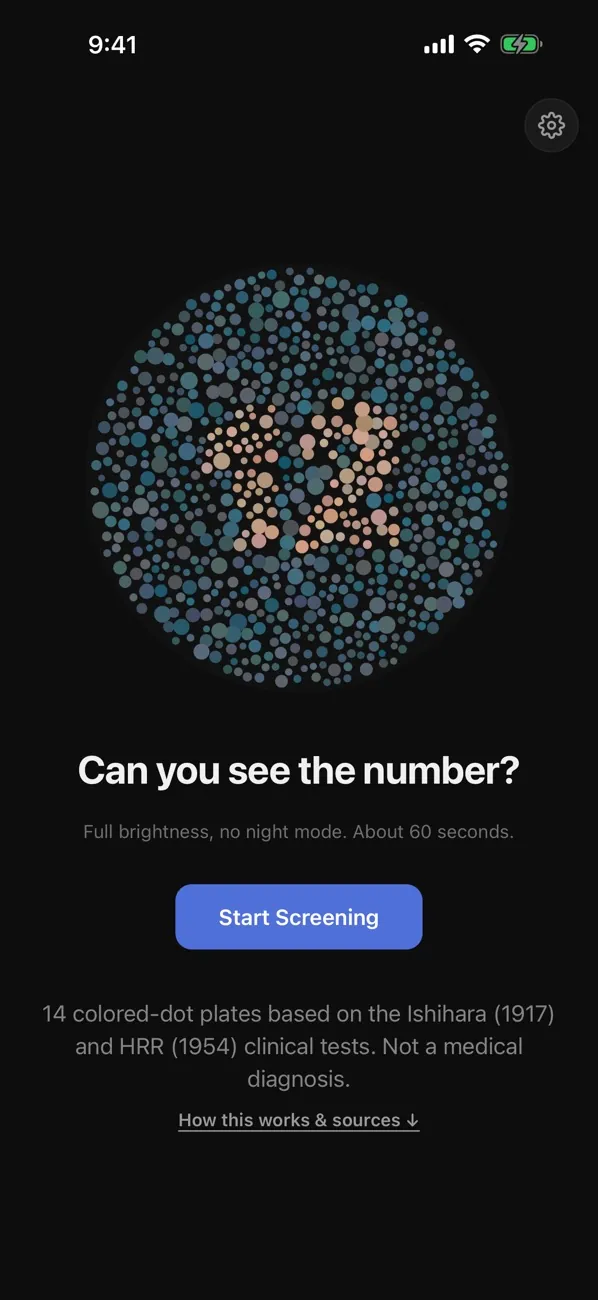
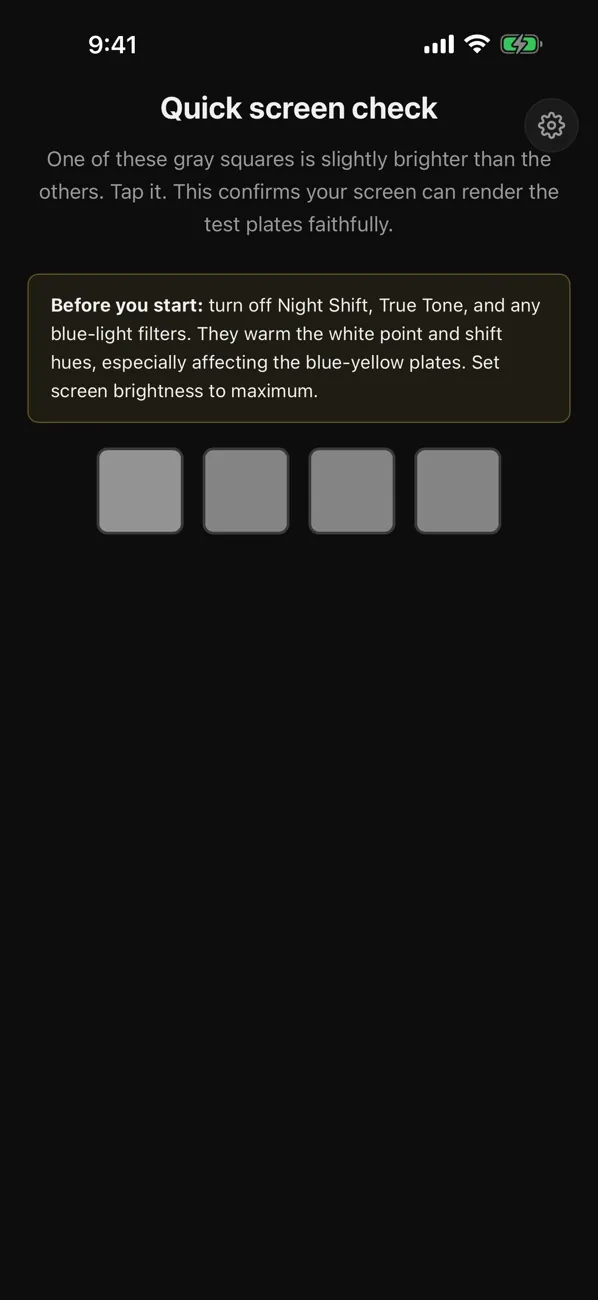
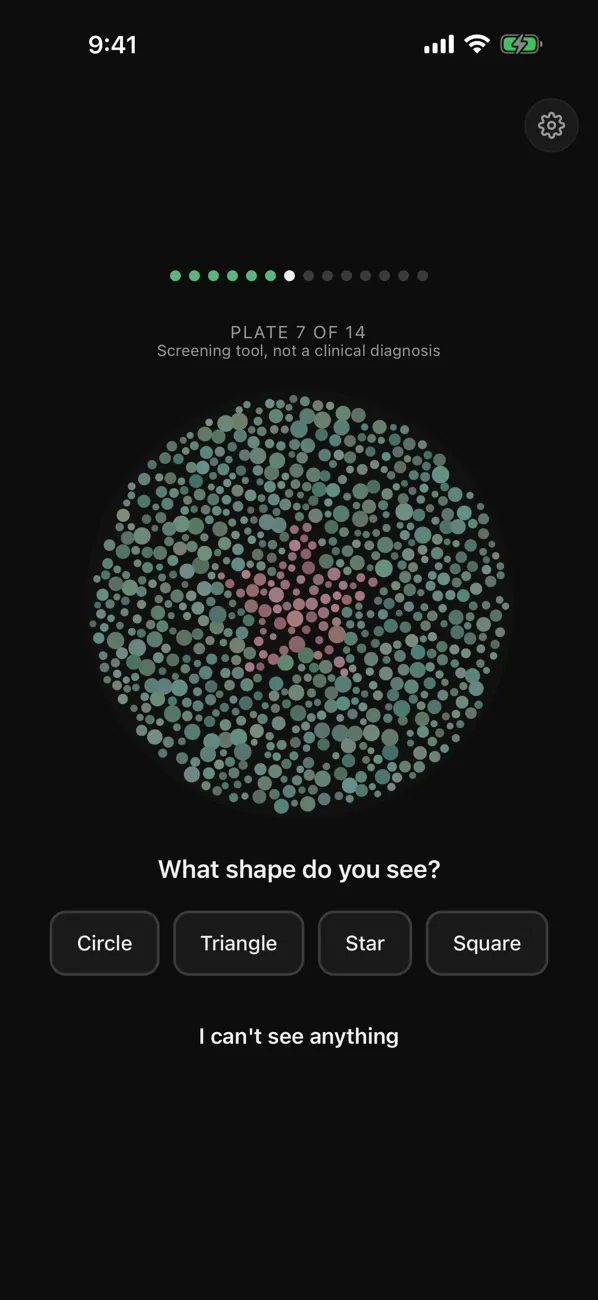
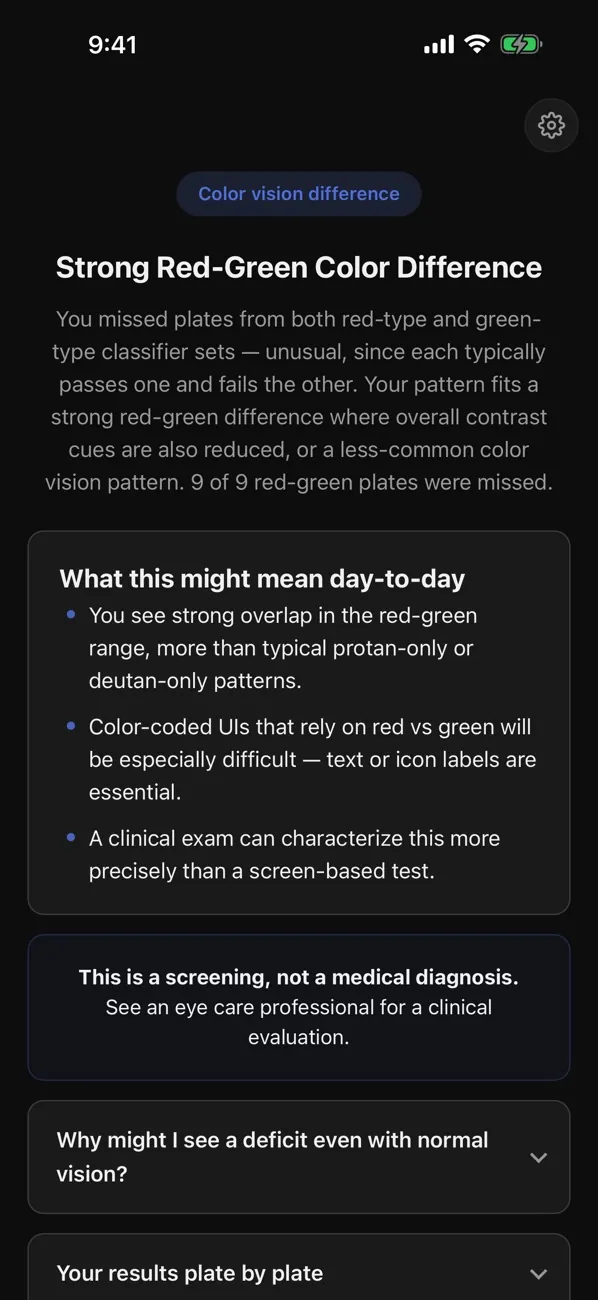
A 14-plate color-vision screening with cited scoring and a result you can actually read. It is informational, not a diagnosis. If you take it on the web, What Color Is This? can pick up your result and set your color vision type for you.
iPhone and iPad 1.0.4, November 11, 2026. Android test build 1.0.3, November 14, 2026.
About screening: Display settings, ambient light, and screen quality can affect a plate result. If color vision affects safety, school, or work decisions, follow up with a qualified eye-care professional. The Android build is a 1.0.3 test build (4.2 MB), release-signed. If you installed the 1.0.0 test build, uninstall it once first, because Android will not update across the signing key change.
Google Play: What Color Is This? is on Google Play under the name What Color Is That? If you switch between this download and the Play version, Android may ask you to uninstall first. Color Vision Plates isn’t on Play yet. To try its Play beta, join the Coolhand beta group first (I’d really appreciate it), and I’ll add the opt-in link here when it’s ready.
Installing on Android: Tap Download for Android, open the downloaded file, and allow installs from this source if Android asks. If Android blocks the installation, tap Advanced, then Install anyway.
Web previews

